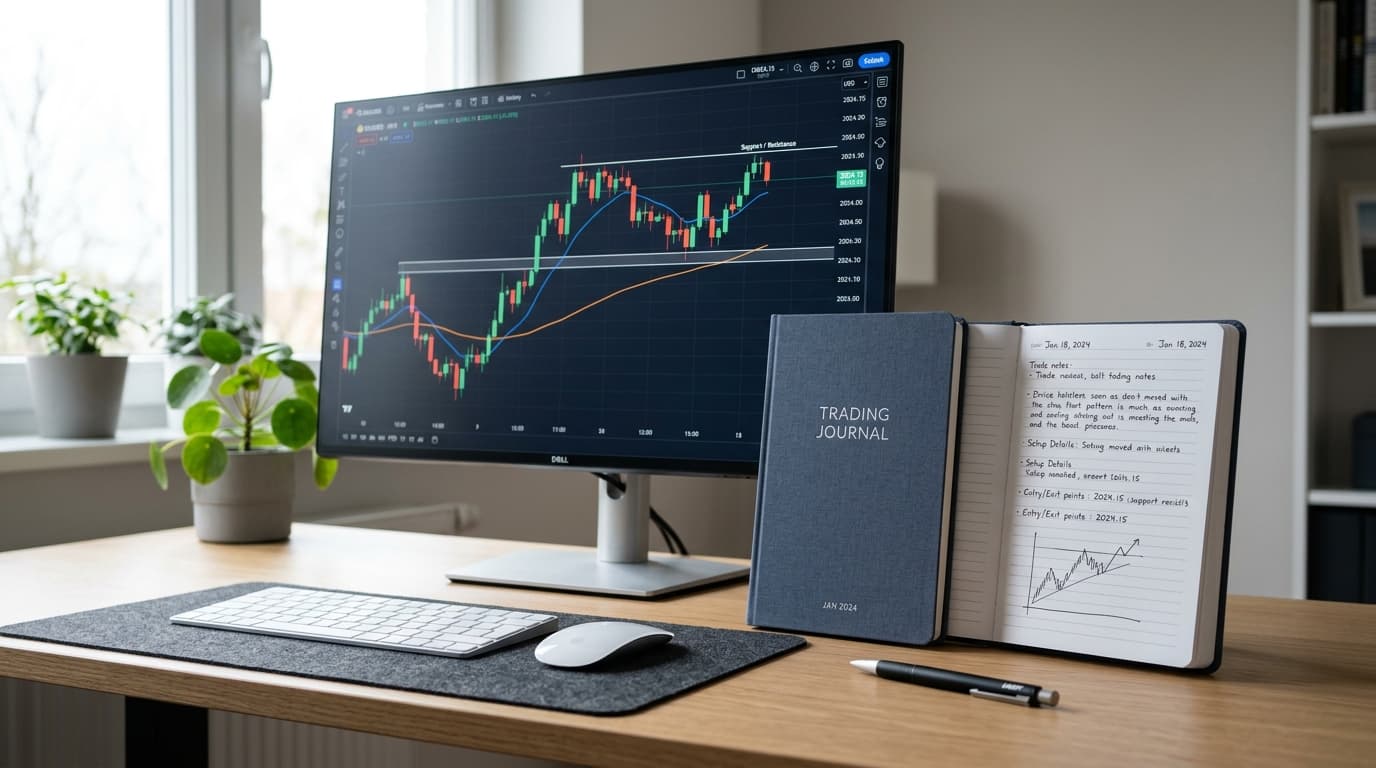
Imagine pulling up 200 trades and discovering that 80% of your losing trades share one thing: you entered before the London session overlap, during a window you'd mentally labeled "warm-up trades." Without a day trading journal, that pattern stays invisible for months, years, maybe. With one, you spot it in an afternoon.
That's the actual value of a log. Not motivation, not accountability theater. Cold pattern recognition.
What a Day Trading Log Template Actually Needs
Most traders either record too little (just entry price and outcome) or too much (every thought they had while watching the chart). Both habits produce data you can't use.
A functional day trading log template captures these categories of information for every trade:
- Trade logistics — instrument, direction, entry price, exit price, position size, session (London, New York, Asian overlap, etc.)
- Setup and reasoning — your setup tag, the trigger you acted on, timeframe, any confluences you noted
- Risk parameters — stop-loss in pips or ticks, take-profit level, your planned R-multiple
- Execution quality — how closely actual entry matched your planned entry, whether you moved the stop, whether you exited early or late
- Outcome — P&L in currency and in R, running account balance
- Post-trade notes — one or two sentences on what happened, plus an optional chart screenshot
Six categories, and each one pulls its weight. Execution quality is the one traders skip most often, and it's often the most revealing. I've seen traders who had a positive-expectancy setup but were consistently bailing a third of the way to target—their win rate looked fine, but their actual R per trade was gutted.
The Day Trading Section: Logging Fast Moves Accurately
Swing traders have the luxury of deliberate record-keeping between sessions. Day traders don't. A scalper working EUR/USD during the first hour of the New York open might close four or five positions before they've had a second coffee.
This is where automatic sync earns its keep. Edgelog's MT4 and MT5 auto-sync works through a free Expert Advisor called EdgelogSync — you attach it to a chart, paste your sync key from Settings → EA Sync, and allow the WebRequest URL. Closed positions pull through in seconds.
If your platform goes offline mid-session and you close trades manually, those positions reconcile the next time the EA connects. Both hedging and netting account types are supported, and prop-firm logins work with it too.
For Binance and Bybit traders, read-only API keys handle the sync side. OKX is also supported. "Read-only" means Edgelog can see your trade history but cannot place orders or access withdrawals—which matters if you're connecting a funded account.
If you're on a broker that isn't directly integrated, the CSV/Excel import covers MT4 and MT5 statements as well as most other broker exports. It's a manual step, but for end-of-day logging it takes two minutes.
The point is your log template only works if you actually fill it. Remove as much friction from the capture process as possible.
The Ten-Minute Session Review (Keep This)
Forget end-of-week reviews for now. Day traders improve faster with a short daily loop. Here's the structure worth building into a habit:
**Five minutes during the first hour after your session ends—while the trades are fresh, write one sentence per trade in your notes field. Not an essay. Just: What was the setup? Did Price do what you expected, and if not, why not? Specificity matters here.
"I shorted GBP/USD at 1.2847, targeting 1.2800; the price reversed at 1.2831 after a news spike I hadn't flagged" is useful. "Lost trade and market moved against me" is useless.
Five minutes looking at your equity curve and daily P&L calendar — not to feel good or bad about the day, but to check for a pattern. Are your losing days clustering on Mondays? Are you giving back profits in the final hour? These are questions the calendar view surfaces quickly.
That ten-minute habit, repeated consistently, compounds. After thirty sessions you start seeing things that would take most traders a year to notice.
Reading Your Numbers Without Fooling Yourself
Once you've got a few months of data in your day trading journal, the analytics get genuinely interesting. Win rate, profit factor, expectancy, per-pair breakdowns, per-session breakdowns — Edgelog calculates these from your logged trades automatically.
One thing worth doing periodically: enter your totals by hand into the standalone profit factor calculator or win rate calculator to cross-check the figures. It's a manual step, but running the numbers a second way is a good habit when you're making decisions about position sizing or strategy changes.
A quick worked example. Say your journal shows 60 winning trades averaging 1.8R and 40 losing trades averaging 1R. Your profit factor is (60 × 1.8) / (40 × 1.0) = 108 / 40 = 2.7. Your win rate is 60 / 100 = 60%. Expectancy is (0.60 × 1.8R) − (0.40 × 1.0R) = 1.08R − 0.40R = 0.68R per trade.
That's a genuinely good edge—but the question your journal can answer is whether those numbers look the same across all sessions or whether your London trades are carrying your New York trades.
That's the kind of question that changes what you do with your mornings.
Setup Tags and the Playbook
Most retail traders operate from a loose mental model of their strategy. The Playbook feature in EdgeLog is where you make that model explicit—you define your setups, give them names, and tag every trade to one of them. Over time you get a per-setup breakdown: which setup is actually producing edge, which one you overtrade, and which one you should probably retire.
Mood tags are optional but underrated. "Impatient," "distracted," ""confident"—these don't feel like data, but after 100 trades they often reveal patterns. Plenty of traders discover their worst R results cluster around the days they logged as "impatient." That's worth knowing.
Day Trading Journals vs. Swing Trading Journals
The template structure above works for both. The difference is in how you fill it. Day traders need faster capture (hence auto-sync) and shorter review cycles (daily instead of weekly). The analytics are the same—win rate, profit factor, and expectancy don't care whether your hold time was twelve minutes or twelve days.
If you're journaling forex specifically, the Forex trading journal guide goes deeper on session-based analysis. Crypto traders working with Binance or Bybit will find the API sync setup covered in the crypto trading journal page.
Edgelog Is Free — Not Free-Trial Free
This matters because it changes the decision. Competitors like TradeZella, TraderSync, Tradervue, and Edgewonk all have costs attached—paid tiers, trade caps, or limited features on free plans, at the time of writing. Edgelog is free forever: unlimited trades, unlimited accounts, no credit card, and no trial expiry date ticking in the background.
The full analytics suite, auto-sync, CSV import, Playbook, and screenshot uploads are all available on the free plan because there is only one plan.
If you've been putting off building a proper log because the paid tools felt like overkill for where you are right now, that excuse doesn't apply here.
Start your free day trading journal and see what your last hundred trades are actually telling you.