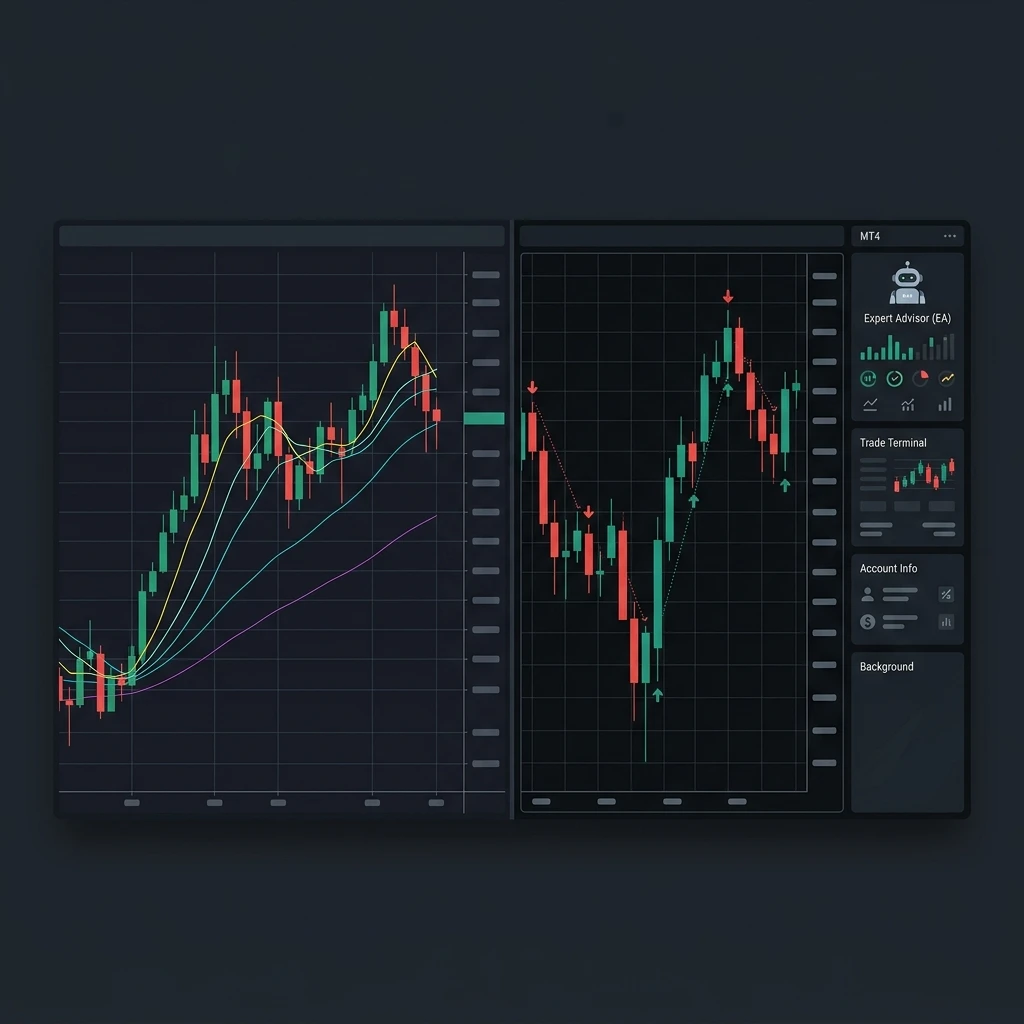
TradingView vs MetaTrader: Stop Asking Which Is Better
Every week, someone in a trading Discord asks the same question: "Should I use TradingView or MetaTrader?" And every week, the thread explodes into 40 replies that go absolutely nowhere. Half the room swears by TradingView's clean charts and Pine Script indicators. The other half won't touch anything that doesn't run an EA. Here's the thing — they're both right, and they're both arguing about the wrong thing.
TradingView and MetaTrader aren't really competitors. They're different tools built for different jobs. Once you understand what each one actually does well, you stop trying to force one platform to replace the other — and you build a workflow that uses both.
---
What TradingView Actually Does Well
TradingView is, first and foremost, a charting and analysis platform. It's genuinely excellent at that job.
The interface is clean, runs in any browser, and loads fast. Drawing tools, multi-timeframe layouts, and the Pine Script indicator library give you more visual flexibility than MetaTrader's built-in charting has ever offered. The community script library alone has thousands of indicators — everything from vanilla RSI tweaks to full ICT concept visualisers.
Where TradingView really shines:
- Charting and technical analysis — smooth, customisable, publication-quality charts
- Multi-asset watchlists — forex, crypto, stocks, futures, indices all in one place
- Alerts — price, indicator, and candle-condition alerts with webhook support
- Social and idea sharing — useful if you want to follow other analysts or publish your own setups
- Paper trading — decent sim environment for strategy testing without real money
For crypto traders especially, TradingView is often the only decent charting option because most crypto exchanges have terrible native charts. If you're trading on Binance or Bybit, you're probably already opening a TradingView tab alongside it.
The weak spots? Execution. Unless you're connected via a broker integration (and those are limited), you're not actually placing live trades from TradingView. You're looking at charts, then going somewhere else to trade. That gap matters when you're tracking your actual performance.
---
What MetaTrader Actually Does Well
MetaTrader 4 and MetaTrader 5 were built for execution. They're broker-native platforms, meaning your real orders live here. Most retail forex brokers still default to MT4, and MT5 is picking up ground fast — especially for prop firm traders, where it's becoming the standard.
Where MetaTrader earns its place:
- Live order execution — where your real trades happen, with full broker connectivity
- Expert Advisors (EAs) — automated strategies and utility tools run here, not on TradingView
- Backtesting engine — MT5's strategy tester is more robust than MT4's, though neither is perfect
- Prop firm compatibility — nearly every major prop firm challenge runs on MT4 or MT5
- One-click trading — fast execution directly from the chart
The charting in MetaTrader is functional but dated. MT4's interface hasn't changed much since 2005. Indicators are available, but building and sharing them requires MQL4/MQL5 knowledge, which has a steeper learning curve than Pine Script. Most traders end up doing their analysis elsewhere and coming back to MT4/MT5 just to execute.
Sound familiar? You've already got a two-platform workflow whether you planned one or not.
---
The Logging Problem Nobody Talks About
Here's where both platforms fall short, and it's worth being direct about it: neither TradingView nor MetaTrader is a trading journal.
MetaTrader gives you a basic trade history export — raw data, no analysis. You can see your entry, exit, size, and P&L. What you can't see is your win rate by setup type, your average R:R on trending days vs. ranging days, your drawdown curve over a 90-day prop challenge, or why you took that revenge trade at 11pm on a Tuesday.
TradingView's trade history (if you're paper trading or using a connected broker) is similarly shallow. You get performance stats, but there's no way to tag trades by strategy, attach notes about your mindset, or build a playbook based on what's actually working.
That gap is where real improvement happens — or doesn't. Most traders who plateau aren't missing chart patterns. They're missing feedback loops. They're not reviewing what they did, why they did it, and what the data says about their actual edge.
---
Building a Smarter Three-Part Workflow
The traders who improve consistently aren't debating platforms. They've settled into a workflow that uses each tool for its actual job. Here's a practical version you can copy:
- Analyse on TradingView — mark up your charts, build your watchlist, set alerts for key levels. This is your pre-market routine.
- Execute on MetaTrader — place your trades through your broker. Use an EA if your broker supports it to reduce manual errors and manage positions systematically.
- Journal on Edgelog — sync your MT4/MT5 trades automatically via the Expert Advisor, tag each trade by setup and session, add your pre- and post-trade notes, and track your metrics over time.
That third step is the one most traders skip. It's also the one that separates traders who wonder why they're not profitable from traders who actually know. Check out the blog for more breakdowns on building review habits that stick.
---
Why Auto-Sync Changes the Journaling Equation
One reason traders don't journal consistently is friction. Manually entering trades — entry, exit, size, screenshots — is tedious after the fifth session. It stops happening. Then you've got no data, no feedback, and no idea whether your edge is real or imagined.
Edgelog solves this with an MT4/MT5 Expert Advisor that syncs your trades automatically. Your trade appears in your journal as soon as it closes — entry, exit, duration, pip result, and P&L are already there. You just add your tags and notes. The whole post-trade review takes two minutes instead of twenty.
From there, Edgelog builds your equity curve, calculates your win rate and profit factor by strategy tag, and flags drawdown periods worth reviewing. If you're running a prop firm challenge, you can track your progress against the firm's rules without building a separate spreadsheet. Have questions about how this works in practice? The FAQ covers the EA setup in detail.
---
TradingView vs MetaTrader: Which Should You Pay For?
Both platforms have free and paid tiers, so the question eventually comes up.
TradingView's free plan is surprisingly usable for most retail traders — you get three indicators per chart and basic alert functionality. The Pro plan ($14.95/month as of writing) adds more indicators, more alerts, and multi-chart layouts. If you're doing serious multi-timeframe analysis or running complex setups, it's worth it. If you're mostly using it to draw levels and check higher timeframes, free is fine.
MetaTrader 4 and 5 are free to download through any compatible broker. There's no subscription — your broker covers the cost. MT5 has a few more built-in features and a better backtesting engine, but if your broker only offers MT4 and you're not running complex EAs, that's not a dealbreaker.
Edgelog is free. No trial period, no feature gating behind a paywall. You can check pricing to see what's included, but the core journaling, analytics, and EA sync are all available without a credit card.
---
The Bottom Line
TradingView is where you see the market. MetaTrader is where you trade it. Your journal is where you improve.
Arguing about TradingView vs MetaTrader misses the point entirely. The real question isn't which platform you use to chart — it's whether you're capturing what you're doing and learning from it. Most traders aren't. That's exactly why most traders don't improve as fast as they should.
If you're already on MT4 or MT5, you're one EA installation away from having a complete feedback loop. Start journaling free with Edgelog and find out what your trades are actually telling you.
---